How to Choose Salon Management Software: A 2026 Buyer's Guide
The short answer
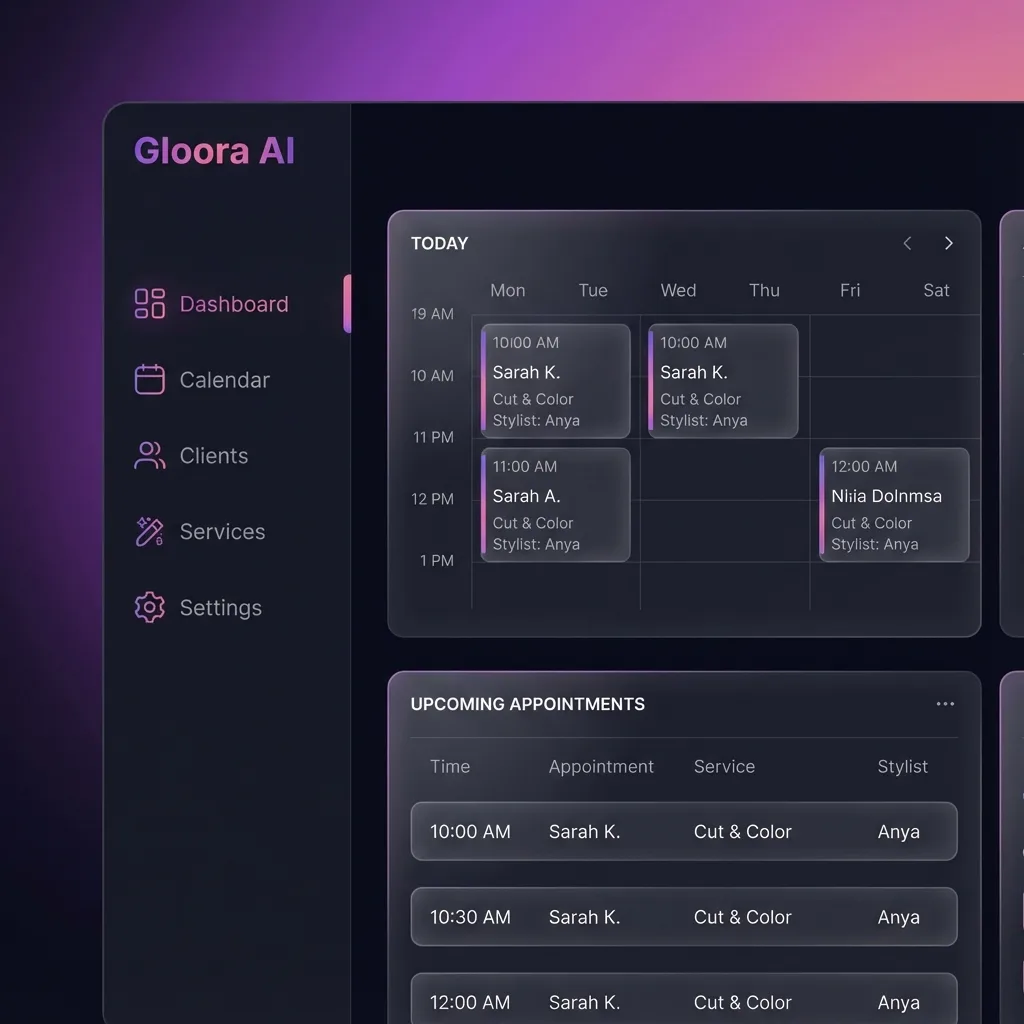
Salon management software should run your whole business from one place — not just take bookings. The strongest platforms combine the front desk (online booking, calendar, client records) with the back office (point of sale, inventory, staff scheduling and payroll, reporting) and the growth layer (memberships, loyalty, gift cards, marketing). Before you compare features, settle three non-negotiables: a flat subscription with no commission on your bookings, full ownership and export of your client data, and room to grow into more locations and currencies.
Use the questions below as your evaluation checklist.
What should salon management software include?
At minimum, a modern platform should cover:
- Online booking and a real-time calendar your team and clients can trust
- A point-of-sale (POS) system for checkout, tips, and receipts
- Client records (a CRM) with history, notes, and preferences
- Staff scheduling and payroll or commission tracking
- Inventory for retail products and professional stock
- Memberships, loyalty, and gift cards to drive repeat visits
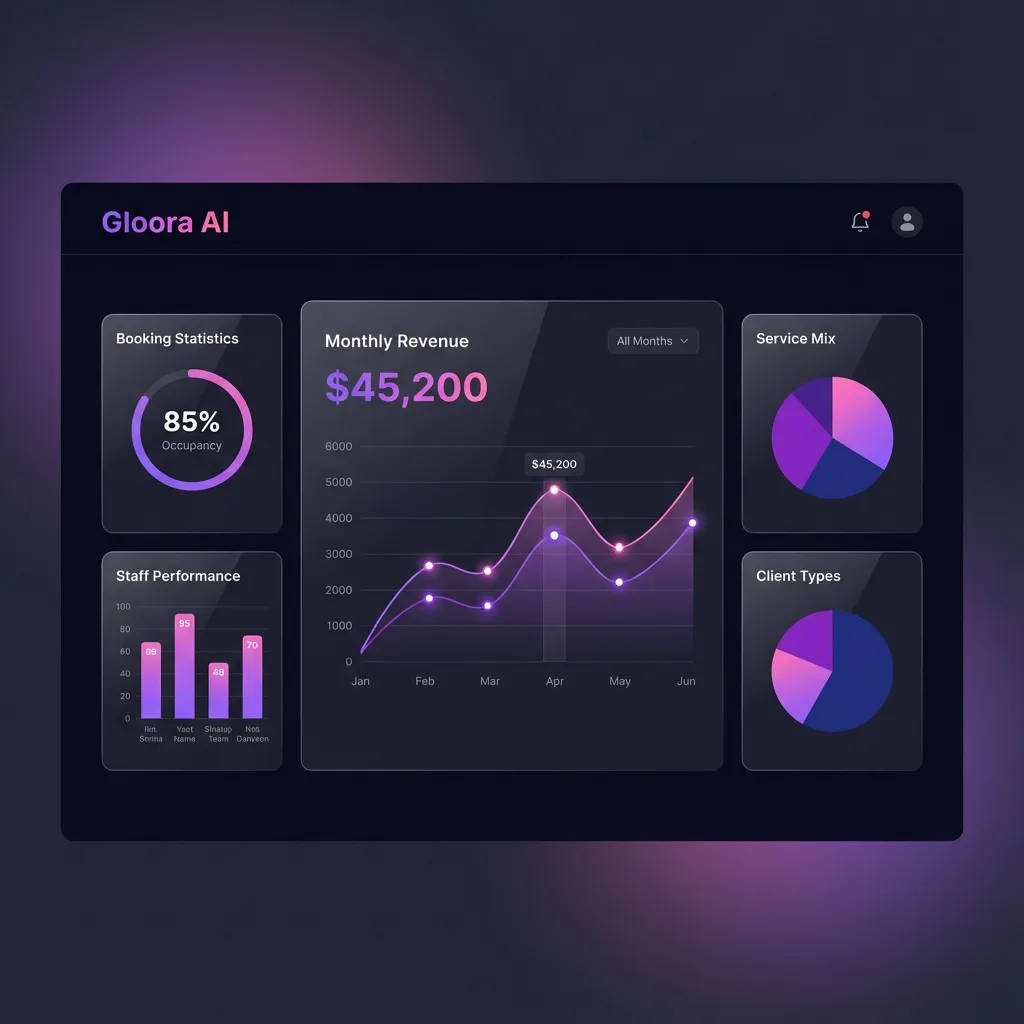
- Reporting and financial analytics so you can see what is actually working
- Built-in messaging — WhatsApp, SMS, and email — for reminders and marketing
If a tool only does one of these, you will end up stitching several subscriptions together and reconciling them by hand.
Do I need more than online booking?
Yes. Online booking is the entry point, not the destination. Booking fills your calendar, but it does not tell you which services are profitable, which staff are over- or under-booked, how much stock you have left, or which clients are about to lapse. An all-in-one platform connects the booking to the checkout, the checkout to inventory and payroll, and all of it to your reports — so a single appointment updates revenue, commission, stock, and the client's history automatically. That end-to-end flow is the difference between a booking widget and business software.
How important is POS and inventory?
Very. The point of sale is where a booking becomes revenue, and inventory is where a lot of quiet profit leaks away.
A proper POS handles service and retail checkout, tips, split payments, taxes, and receipts on one screen — ideally the same screen your team already uses for the calendar. Inventory keeps professional stock (color, consumables) and retail products in sync, warns you before you run out, and ties product usage back to services so you can see true margins. When POS and inventory live in the same system as booking, every sale adjusts stock and every report reflects reality without a second app.
Should it handle staff payroll and multiple branches?
If you employ a team or plan to grow, both are essential.
Staff features should cover schedules, working hours, commission rules, and payroll — so paying your team is a report, not a spreadsheet marathon. Look for per-staff performance too, so you can see who drives rebookings and retail.
Multi-branch (multi-location) support should let you manage every branch from one login while keeping each branch's own staff, stock, and schedule separate. Even if you run one location today, choosing a platform that already supports multiple branches means you will not have to migrate your whole business the day you open a second.
What about commission and data ownership?
These two decide how much of your money and your business you actually keep.
- Commission: Some platforms are "free" but take a percentage of your bookings or new clients. On any healthy salon, that percentage costs far more over a year than a flat subscription. Prefer software that charges a predictable monthly fee and takes zero commission on what you earn.
- Data ownership: Your client list and appointment history are your most valuable asset. Make sure you can export everything at any time, see full contact details, and take your data with you if you leave. If a platform hides your clients from you or locks in your history, that is a red flag.
How do I compare pricing across markets?
Compare the total cost of ownership, not the sticker price. Work through:
- Subscription vs. commission: A flat plan makes costs predictable; a commission model grows your bill as you grow. Model both against your real monthly revenue.
- What is included per plan: Are POS, inventory, payroll, marketing, and multiple branches in the base price, or paid add-ons?
- Currency and tax: If you operate in more than one country, you need multi-currency pricing and local tax or VAT handling built in — not bolted on.
- Per-seat vs. flat: Does the price jump with every staff member, or is it a flat team price?
- Contract terms: Month-to-month with easy export beats a long lock-in.
A platform like Gloora AI is built around these principles — an all-in-one system covering booking, POS, inventory, payroll, memberships, loyalty, gift cards, CRM, financial analytics, multi-currency, and WhatsApp, SMS, and email marketing, on a flat subscription with zero commission and native mobile apps for you and your clients.
The bottom line
Choosing salon software is really choosing an operating system for your business. Score every option against front desk plus back office coverage, zero commission, full data ownership, and multi-location, multi-currency headroom. The tool that wins on all four will still fit when you have grown.
Ready to see what all-in-one looks like? Explore the full feature set or start a free trial.
टैग
इस लेख को शेयर करें
अपडेट रहें
सैलून ग्रोथ टिप्स और प्रोडक्ट अपडेट पाएँ
अपने सैलून को बदलने के लिए तैयार हैं?
हज़ारों सैलून से जुड़ें जो no-show घटाने, मार्केटिंग स्वचालित करने और अपना व्यवसाय बढ़ाने के लिए Gloora AI का उपयोग करते हैं।